
Audio Reactive Visuals: A Musician's Guide to Visuals That Move With Your Track
How audio reactive visuals work, how to match them to drum and bass, EDM, lofi and ambient tracks, and how to get a YouTube-ready video released fast.

Audio Reactive Visuals: A Musician’s Guide to Visuals That Move With Your Track
Audio reactive visuals are images or video that change in response to the sound: a kick drum pushes a pulse, a bassline shifts the colour, a snare triggers a flash. You can build them frame by frame in specialist software, but if your real goal is a full-length video that makes your track recognisable and ready for YouTube, a ready-to-edit video made for music, which you customise with your own audio and branding, gets you there in minutes. Our membership is built for exactly that.
MusicvideomarketplaceTurn Your Track Into a YouTube VideoCreate a long-form video for your song in minutes, ready to upload to YouTube and use in an ad campaign.VisitTL;DR
- Audio reactive visuals link a measurement of the sound (loudness, beat, frequency band) to a visual property such as brightness, scale or movement.
- Fast genres like drum and bass suit sharp, rhythmic motion; ambient and lofi suit slow, gentle movement and clean loops.
- Building reactive visuals from scratch means learning analysis, mapping and rendering. Most releases need a finished, branded video, not a software project.
- Membership with Music Video Marketplace is £19.99 per month, with extra videos at £9.99 per month per video.
- Check your loop joins, frame rate and file naming before you upload.
Table of Contents
- What audio reactive visuals actually are
- Four ways visuals can respond to music
- Matching visuals to genre
- Loops: how to make a background that does not jolt
- What it takes to build reactive visuals yourself
- Why a ready-made video is the faster route to release
- Exporting and uploading: a short checklist
- Membership and pricing
- Our perspective
- FAQ
- Sources
What audio reactive visuals actually are
The idea is simple. Software listens to your track, turns what it hears into numbers, and uses those numbers to drive something you can see. One beginner’s guide to audio reactive work describes sound data, such as a kick drum, controlling position, colour, scale or speed, and notes the technique is common in live shows, installations, VJing and music videos.
Brighton-based audio-visual artist KLSR describes it as visual elements reacting to what parts of the music are doing, for example the low end driving brightness while snare hits control the amount of feedback. That is the whole craft in one sentence: decide which sound controls which visual, and keep the pairing consistent so the audience can feel the connection.
The pipeline behind it has three stages:
- Analysis. The audio is measured for loudness, beats and frequency content.
- Mapping. Those measurements are attached to visual parameters, such as size, opacity, colour or distortion.
- Rendering. The result is drawn in real time for a live show, or exported as a video file for upload.
Each stage has its own pitfalls. Analysis that is too twitchy makes the picture jitter. Mapping too many things at once makes it a mess. Rendering at the wrong frame rate makes motion look jerky.
Four ways visuals can respond to music
Not every reactive visual works the same way. A guide to live reactive visuals separates four approaches, which is a useful way to decide what your track needs.
| Approach | What drives it | Typical result | Best for |
|---|---|---|---|
| Audio reactive | Overall loudness envelope | Brightness, scale or displacement rises and falls with volume | Simple pulsing visuals on any genre |
| Frequency reactive | Sound split into bands (for example 20 to 120 Hz for a mesh, 300 to 3000 Hz for colour, above 5 kHz for flashes) | Different parts of the picture follow different parts of the sound | Full-spectrum tracks with clear bass and top end |
| Beat reactive | Tempo and beat position | Precise hits on the beat | Dance music and anything with a firm pulse |
| Generative | Algorithm calculating each frame | Content that never repeats exactly | Installations and live sets |
For a release video, most musicians land on a mix of the first three: a steady beat-driven pulse, with slower movement underneath for the rest of the arrangement.
Matching visuals to genre
Drum and bass and EDM visuals
Fast, high-energy music wants sharp visual language. One guide to matching animated visuals to music recommends sharp transitions, rhythmic pulses and camera shakes for drum and bass or EDM, to amplify the intensity.
The Wez G Music guide to electronic music visualisers gets more specific. It describes drum and bass as kinetic, metallic and high-speed, and suggests using the kick as the main anchor: a gentle scale change, a pulse in a ring or a quick burst of light. The bassline, a vocal or a lead synth then goes on a second layer with a slower response, so the picture has both punch and body.
Two practical points for dance producers:
- Vary the energy. The same guide warns against a full-track visualiser where listeners watch the exact same spectrum bounce for five minutes. A breakdown should look different from a drop.
- Cut a teaser. For a short teaser, it suggests 10 to 20 seconds is often enough. That is the length of a typical social clip, so plan the best drop moment as your preview.
Lofi and ambient visuals
Slow tempos need the opposite treatment. The same Skope guide suggests gentle oscillations, slow zooms and smooth fades that follow the emotional flow of the song. Think rain on a window, a drifting skyline, a slow camera move through a landscape.

This is where ambient video backgrounds earn their place. Lofi and ambient tracks are often released as long uploads meant to sit in the background for an hour or more. The picture should support the mood without demanding attention, so subtle motion and a calm colour palette matter more than sharp sync to every beat.
Loops: how to make a background that does not jolt
Looping visuals are a staple of ambient and lofi channels because a short clip can cover a long track. The weak point is the seam, where the end of the clip meets the start.
A seamless loop guide describes a reliable method: cut the clip in half, swap the two halves, and add a cross dissolve across the new middle. The file then begins and ends on frames that were next to each other in the original. It also notes that ping-pong loops, which play forward then in reverse, only look natural for symmetric motion such as waves or smoke.

To judge a loop, do not watch it once. Place three copies back to back and watch only the joins. The common snags are a brightness shift between the ends, a frame of motion that does not continue, and a frame rate mismatch at the seam.
A loop also has to survive repetition. Anything with a recognisable event, such as a bird crossing the frame or a flash of light, becomes obvious on the fifth pass. Choose footage with continuous, even movement: drifting clouds, flowing water, slow-moving light.
What it takes to build reactive visuals yourself
If you want to build from scratch, be realistic about the work. Real-time tools use node-based programming. A TouchDesigner guide written for musicians says the learning curve is about translating what you know of audio signal chains into the visual domain, rather than learning to code. That is encouraging, but it is still a new discipline on top of writing, recording and releasing music.
The typical workflow looks like this:
- Listen first. The Wez G Music guide suggests writing down, in a few direct words, what the track feels like before opening any software. Those words guide your choices better than adding effects at random, and the aim is to make the track recognisable at a glance, not to illustrate every second.
- Pick the analysis. One artist’s account describes splitting a song into high, low and mid frequencies, snare and beats, then syncing visuals to specific data rather than the whole song. That avoids a chaotic result.
- Map sparingly. Pick one or two links, such as kick to brightness and bass to scale, and stop.
- Check the frame rate. Images need to be generated at no fewer than 24 frames per second to avoid jerky animation, and 30 or 60 is often needed for fast motion.
- Render and test on the screens where fans will actually watch.
For a live set, that investment can be worthwhile. For a single, EP or album campaign with a release date, it often takes weeks of attention that your music could use better.
Why a ready-made video is the faster route to release
The reader searching for audio reactive visuals usually wants one of two things: a live visual rig, or a video that makes a song look finished on YouTube. For the second, you do not need to build anything. Music Video Marketplace is a marketplace where you browse human-made, ready-to-edit, full-length music videos, add your own audio and branding, and export a YouTube-ready video. You can also generate short social clips and launch an ad campaign for the song.
There is a real difference in what you start with. Every video in the catalogue is originally produced by professional filmmakers specifically for music, never created with AI or generic stock footage. That matters for the genres above: a drum and bass release wants a kinetic, designed look, and an ambient release wants footage with calm, continuous motion that loops well. Starting from footage made for music means you are choosing a look, not building one.
If you are weighing the options, our guide on stock footage versus a custom video explains the trade-offs, and the comparison with editing apps and templates shows how a marketplace differs from starting in an editor. If you are considering commissioning a director instead, see how a marketplace compares with hiring one.
Exporting and uploading: a short checklist
Whichever route you take, a few checks save you from re-uploading.
- Frame rate and loop joins. Keep one frame rate across the whole project, and watch your loop three times in a row before exporting.
- Clips for each platform. A full-length upload suits YouTube, while vertical clips suit short-form feeds. The Spotify Canvas and lyric video guide covers the specs for looping vertical visuals.
- File names. A consistent system stops you uploading the wrong version. Our file naming guide for artists gives a practical format.
- Thumbnail. The picture people see before pressing play does a lot of work, so read how to test video thumbnails properly.
- Licence. Make sure the footage you use is licensed for commercial release, including any ad campaign you plan to run.
Membership and pricing
Music Video Marketplace membership is £19.99 per month, and extra videos are £9.99 per month per video. That covers the catalogue of professionally made videos you customise with your own audio and branding, so a release does not depend on a shoot or a software build. You can see the current plan details on the pricing page and browse what is available on the music videos page.
If you release regularly, a monthly plan fits the way labels, managers, DJs and producers work: one video per release, ready to customise, with short clips cut for promotion.
Our perspective
We built Music Video Marketplace around a simple belief: a song should not wait weeks for its picture.
Audio reactive visuals are a brilliant craft, and the principles behind them are worth knowing: anchor the picture to one strong element, keep the second layer slower, vary the energy across the arrangement. Those same principles guide how we think about choosing a video for a track.
What we offer is footage made by professional filmmakers specifically for music, never AI and never generic stock. Our catalogue focuses on customisation and a fast release without a custom shoot. You bring the audio and your branding, and you leave with a long-form video ready for YouTube, short clips for social media, and a way to start an ad campaign for the song.
For most musicians, producers, managers and labels, that is the better use of a release week.
Music
FAQ
What does audio reactive mean?
Audio reactive means the visuals change in response to the sound. A measurement such as loudness, beat or frequency band is linked to a visual property like brightness, scale or colour. The same track will always produce the same movement when the mapping is fixed.
Do I need TouchDesigner to make audio reactive visuals?
No. Real-time tools are one route, mostly used for live performance. If your aim is a release video, you can start from a finished, ready-to-edit video, add your audio and branding, and export a YouTube-ready file with a Music Video Marketplace membership.
What visuals suit drum and bass or EDM?
Fast genres suit sharp transitions, rhythmic pulses and camera shakes, with the kick as the main anchor and a slower second layer for bass or lead. Vary the energy between breakdowns and drops so the video does not feel repetitive. Cut a 10 to 20 second teaser around your best drop for social media.
How long should a looping lofi or ambient video be?
There is no fixed length. Many ambient and lofi channels use a short clip that loops cleanly under a long track. What matters is a seamless join, even movement with no recognisable events, and a calm look that supports the mood.
Can I use the same video for YouTube and social media?
Yes, as a starting point. Export the full-length video for YouTube and cut shorter clips for social feeds, choosing the strongest moment of the track. Vertical formats such as Spotify Canvas have their own specs, covered in our guide.
Sources
- Beginner’s Guide to TouchDesigner Audio Reactive Visuals
- KLSR Interview: Generative Audiovisual Art and Sound
- Live reactive visuals: audio, beat, frequency and generative
- How to Match Your Music to Good Animated Visuals
- How to Create an Electronic Music Visualiser
- How to Make a Seamless Loop for Music or Video Backgrounds
- How to make a seamless looping video
- How to Create Audio-Reactive Visuals: A Musician’s Guide
- Audio-reactive Visuals: My Journey with TouchDesigner
- How to create visuals for music performances
Recommended
Read next
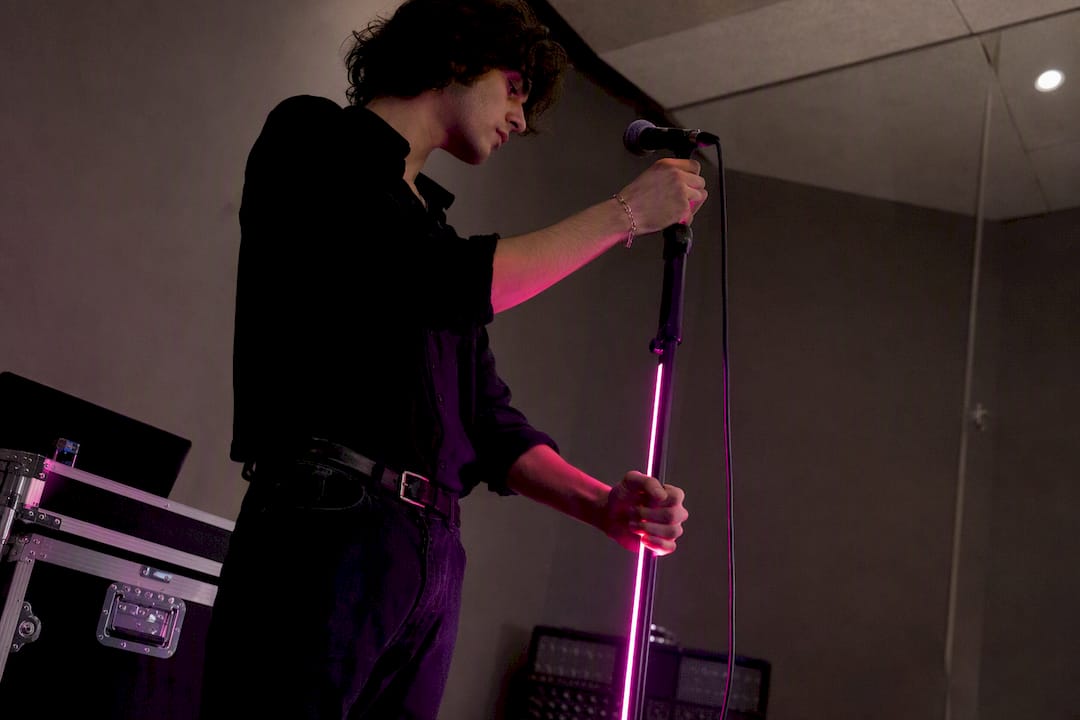 Use one brand colour as a video accent, not a washElevate your videos by using brand colors effectively. Learn how to create eye-catching visuals that enhance viewer engagement and drive action.
 Common challenges in label video production: 2026 guideDiscover the common challenges in label video production and learn effective strategies to overcome obstacles for timely, budget-friendly projects.
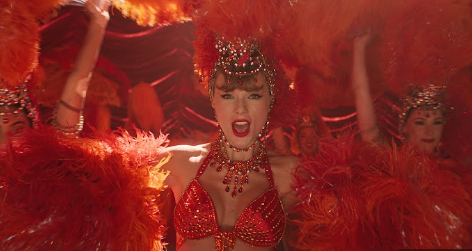 7 Inspiring Examples of Viral Music Videos for ArtistsDiscover 7 exciting examples of viral music videos and learn practical tips to boost your YouTube engagement as an independent musician or emerging artist.
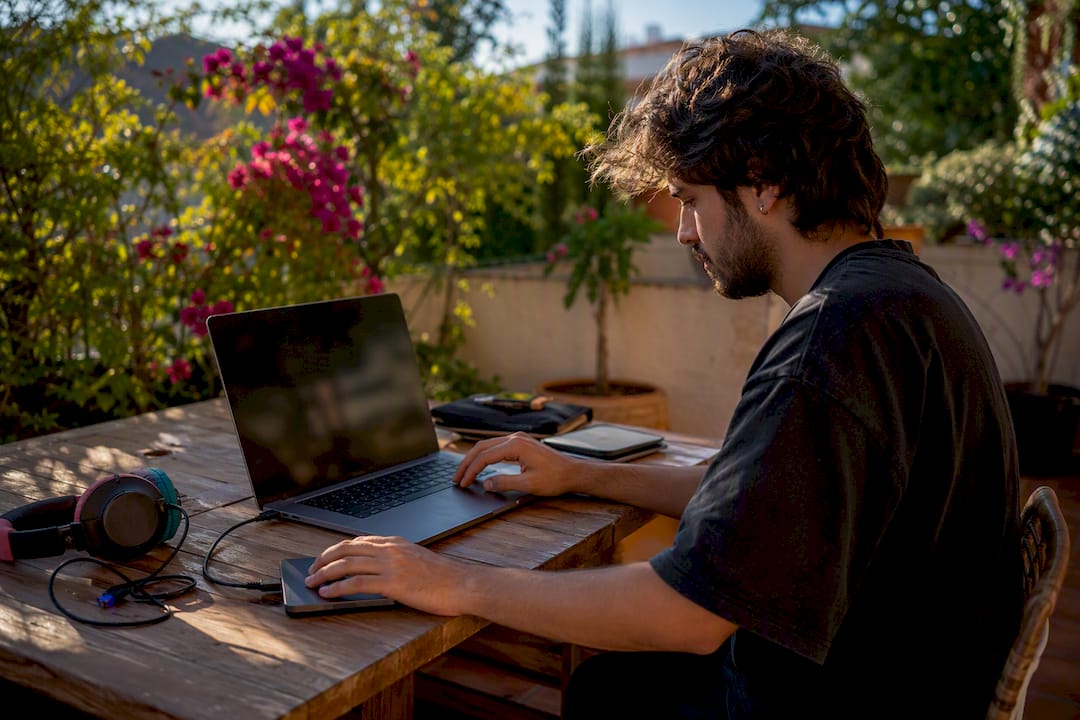 Apple Music motion artwork: get YouTube-ready video fastUnlock the power of Apple Music motion artwork to create stunning YouTube videos and ads quickly. Get ready-made packages for fast, professional results.
Turn the idea into a finished music video.
Drop your track into the Studio and build your visual in minutes.