
How to Create Music Video Clips for Social Media
Turn one full-length music video into TikTok, Reels and YouTube Shorts clips: how to pick hooks, crop to vertical, set audio and clear rights before you post.

How to Create Music Video Clips for Social Media
The quickest way to create music video clips is to start from a finished, full-length video and cut short vertical pieces from it, rather than shooting anything new for each platform. Every clip then borrows the footage, grade and audio of the main release. Our catalogue of human-made, ready-to-edit music videos at Music Video Marketplace is built for that route: you upload your audio and branding, export a YouTube-ready video, and generate short social clips from it.
This guide covers the whole routine for musicians, labels, managers, DJs, producers and distributors: choosing the moments, reframing to 9:16, setting audio and captions, clearing the rights, and publishing a batch without it looking like a full-song chop.
MusicvideomarketplaceBuild a Full-Length Video for Your ClipsCreate a long-form video in minutes, then upload it to YouTube and create an ad campaign for your song.VisitTL;DR
- Cut clips from one finished full-length video so every piece shares the same footage, grade and audio.
- Pick a few strong hooks rather than chopping the whole song: the first two seconds decide whether anyone stays.
- Reframe to 9:16 for TikTok, Instagram Reels and YouTube Shorts, keep the subject centred, and add captions for viewers watching on mute.
- Confirm you hold the rights to every element, including the footage, before you post any cut.
- With a Music Video Marketplace membership at £19.99 per month, the full-length video is ready to customise and the short clips come from the same project.
Table of Contents
- Why clips start with a full-length video
- Step 1: Choose the moments, not the minutes
- Step 2: Reframe from 16:9 to 9:16
- Step 3: Get the audio right
- Step 4: Make the first two seconds count
- Step 5: Tailor for each platform
- Step 6: Export properly
- Step 7: Check the rights before anything goes live
- Batch workflow for labels and managers
- Where our catalogue fits
- Our perspective
- Common mistakes
- FAQ
- Sources
Why clips start with a full-length video
A short clip is a window into something bigger. A viewer who likes eight seconds of your chorus on a feed wants to find the whole song, and the destination is usually your YouTube video. If the long video is weak or missing, the clips have nowhere to send people.
That is why the order matters. Build or choose the full video first, then treat it as a library of moments. Each moment should have three things: a musical hook, a visual focal point (a face, a movement, a reveal), and an emotional payoff that lands without context. A three-minute song does not contain three minutes of usable clips. It contains perhaps five to ten moments worth cutting.

If you do not yet have a full video, you do not need a shoot to get one. Our guide to a music video without filming explains how to release one from ready-made footage. Every video in our catalogue is originally produced by professional filmmakers specifically for music, never created with AI or generic stock footage, so the close-ups and tracking shots that crop well to vertical are real footage rather than generated frames.
Step 1: Choose the moments, not the minutes
Before you open an editor, watch the full video once with a notepad and mark timestamps. You are looking for:
- The hook: the line or melodic phrase people would hum back. It is usually the chorus entry, but sometimes a pre-chorus lift or a spoken line.
- A visual that survives cropping: close-ups, point-of-view shots, tracking shots and reveals hold up when a wide 16:9 frame is squeezed into a tall one. Wide group shots lose their subject.
- A clean entry point: the clip should begin on the beat or the first word of the hook, not two bars earlier. How you step into the hook matters as much as the hook.
Score each candidate quickly out of five for hook strength and for how well it crops. Anything that scores four or more on both is a first-wave clip. The rest can wait or be dropped.
Keep the number small. One strong hook cut three or four different ways (different framings, different caption styles, different start points) usually does more than twelve clips of a weak section. Feeds reward the moment, not the count.
Pick durations by purpose
Three lengths cover most needs:
| Length | Use | Good for |
|---|---|---|
| 6 to 15 seconds | Loop or teaser | A single hook line, a visual reveal |
| 15 to 30 seconds | Bite-sized story | Chorus plus a reaction shot |
| 30 to 60 seconds | Mini-narrative | Verse build into chorus, a story beat |
Platform limits and the best-performing ranges shift over time, so check each app’s current guidance before you finalise. For a breakdown of lengths on the two big short-form apps, see our guide to Instagram Reels length and TikTok limits.
Step 2: Reframe from 16:9 to 9:16
TikTok, Instagram Reels and YouTube Shorts all play in a tall 9:16 frame, while your main video is wide 16:9. Reframing is the step where most clips go wrong, because a straight centre crop can cut the artist in half.
The routine in any editor:
- Create a new vertical timeline (1080 x 1920 pixels is the usual size) and drop in the exported full video.
- Scale the footage up until it fills the tall frame.
- Move the picture horizontally so the subject sits in the centre, and animate that movement if the subject travels across the shot.
- Check the safe areas: the bottom of the frame is covered by captions and buttons on most apps, and the right edge by the like and share icons. Keep faces and text clear of them.
Shots with a single centred subject need almost no adjustment. Wide shots that carry two people at opposite edges are the ones to skip.
Where you can, keep the artist’s eyeline in the upper half of the frame. A face that sits low behind a caption block feels buried, and a face near the top third reads instantly even on a small phone screen.
Step 3: Get the audio right
Audio is your biggest asset on short-form platforms, because your own track can become a reusable sound that other people put under their videos. That is free reach if a clip catches on, so use the original recording rather than a covered or re-recorded version.
Two practical rules:
- Match loudness across the batch. Clips with sudden volume jumps get scrolled past. Master the audio in the full video properly first, then keep the clips at a consistent level. Our guide to music video loudness on YouTube explains what to aim for on the main upload, and the same principle carries into the cut-downs.
- Fade clean. End on a beat or a natural phrase break, not mid-word. A short fade of a few frames avoids a click.
Add captions
A large share of viewers watch with the sound off, so burned-in captions or on-screen lyrics make the hook readable at once. Keep text short, in large type, and clear of the interface areas mentioned above. For the main video, upload a caption file as well: our walkthrough on SRT captions for a music video shows how.
Step 4: Make the first two seconds count
The first two seconds decide whether a viewer stays. A moment that only pays off at the ten-second mark is not a hook for short-form. Practical ways to front-load:
- Start on the hook line itself, then play the lead-in afterwards if you need it.
- Open on movement or a face, not a title card or a logo.
- Put the song title and artist name in text during the first few seconds, so someone who stops scrolling knows what they are hearing.
- Keep the cut rhythm tied to the beat: a cut on the snare or the downbeat feels intentional.
Vary the starting frame across the batch. Posting the same clip five times in a row teaches nothing. Posting the same hook with a close-up opener, then a wider reveal opener, then a lyric-led opener shows you which entry works.
Step 5: Tailor for each platform
The same vertical file can serve all three platforms, but small changes help.
TikTok
TikTok rewards sounds. Upload the clip using your original audio so the track gets its own sound page. Keep the caption short, and place the hook in the opening seconds. Our Instagram Reels and TikTok length guide covers the limits that apply to musicians.
Instagram Reels
Reels works well with slightly more polished clips: cleaner colour, tidy captions and a cover frame that looks good on your profile grid. Choose the cover deliberately, because it is what people see when they browse your page.
YouTube Shorts
Shorts live next to your main channel, which gives them a job the other two platforms do not have: pointing viewers at the full video. Name the clip after the song, and in the description link to the full release. Tags matter less than titles here, but if you are setting them on the main upload, our guide to YouTube tags for music says what to add and what to skip.
Step 6: Export properly
For delivery online, export at a progressive frame rate and use your editor’s web or YouTube preset rather than inventing settings. Sound on Sound’s guide to making a music video also advises keeping a lossless archive copy of the finished master if you have the disk space, so future cuts start from the best quality rather than from a compressed upload. That advice is worth following: clips cut from a re-compressed file show blocking in dark scenes.
Name files consistently (song, hook, length, version) so a batch of twelve does not turn into a folder of “final_final” exports.
Step 7: Check the rights before anything goes live
Clips are not exempt from copyright just because they are short. Before posting, confirm you can authorise every element in the cut:
- the sound recording and the composition (the song as written), including any samples and featured-artist consents;
- the footage, covering online use, the channels you intend and the territories you sell into;
- any people or locations that appear. For shoots on private property, see our guide to a location release for a music video.
Do not rely on a legal exception to cover a gap. In the UK, fair dealing under section 30 of the Copyright, Designs and Patents Act 1988 is a defence that depends on factors such as whether the use competes commercially with the owner, how much is taken and whether the work was published; Channel 4’s compliance guidance says it should not be used simply to save on a clips budget. Promotional use of your own release is a commercial use, so the clean route is a licence that clearly covers it.
That is where the source of your footage matters. Our music videos are licensed for commercial release, and the terms are on the licensing page. If you are a label or distributor handling a roster, read the terms before you plan a batch, so each artist’s clips sit inside the licence.
Batch workflow for labels and managers
If you handle several artists, a repeatable batch beats one-off edits. A simple routine:
- Log the moments. One shared sheet per video: timestamp, hook, crop score, caption text.
- Cut a base set. Three to five clips per video from the best-scoring moments.
- Create variants. Change only the opening frame or the caption on a second pass.
- Schedule across days. Spread the posts across a week or two so each gets its own window.
- Review at day seven. Note which opener held viewers and use it as the template for the next release.
This keeps the work in the hands of the manager or the artist’s team rather than turning each release into a new project. It also makes the whole process measurable: the same video, the same hooks, different openings.
When a clip works, consider putting paid budget behind it. Short clips and the full video can feed an ad campaign for the song; our guide to instream ad length explains how long YouTube ads can run, which helps you decide which cut to promote.
Where our catalogue fits
The slow part of all this is not the clips, it is having a strong full-length video to cut from. With Music Video Marketplace you browse human-made, ready-to-edit videos, customise one with your audio and branding, export it in a YouTube-ready format, and generate short social clips from it. You can launch an ad campaign for the song from the same place. The catalogue focuses on customisation and fast release without a custom shoot.
Membership is £19.99 per month, and recurring extra videos are £9.99 per month per video; both are on the pricing page. If you want a sense of the finished result first, browse an example such as Ballerina, or compare us with editing apps and templates on our comparison page.
Our perspective
We built Music Video Marketplace on one belief: a song gets a better release when the video is real filmmaking, not a template.
The clips are where that shows. A close-up that was framed by a filmmaker who understood music holds up when it is cropped to vertical. Footage made for a song has the movement, the faces and the reveals that make a hook land in two seconds.
That is why we focus on human-made videos, never AI-generated or generic stock footage, and why we put customisation first. You bring the audio and the branding, and the video becomes yours, ready to export for YouTube and cut into clips.
The artists who do well with short-form are rarely the ones who post the most. They pick the right few seconds, show them well, and send people to one strong video. Start with the video, and the clips follow.
Music
Common mistakes
- Chopping the song into equal slices. Moments differ in strength; pick the best.
- Letting the crop cut off the face. Always reposition the frame.
- Burying the hook. If it arrives after the ten-second mark, restart the clip earlier in the song’s energy, or choose another moment.
- Ignoring captions. Many viewers watch muted.
- Posting without checking rights. Confirm that your licence covers promotional cuts and your channels.
- No route back to the full video. Every clip should point to the YouTube release.
FAQ
How many clips should I make from one music video?
Start with three to five from your strongest moments, then create variants of the best performer by changing only the opening or caption. A smaller set of well-chosen hooks tends to work better than a clip for every section of the song.
Can I use the same vertical file on TikTok, Reels and Shorts?
Yes, all three use a 9:16 frame, so one export serves them. Keep faces and text away from the edges where interface buttons sit, and post natively to each app rather than re-uploading a downloaded file with a watermark.
Do I need to re-clear music for a short clip?
Yes, in the sense that the permissions must cover the cut, the channel and the territory. A section trimmed from an approved full video does not become safe automatically, so check that your licences for the recording, the composition and the footage allow promotional use.
Do I need to shoot new footage for clips?
No. Clips are cut from the finished full-length video. If you do not have one, you can customise a ready-made video from our catalogue and generate the short clips from it.
Sources
- A Recording Musician’s Guide To Making A Music Video: Part 1, Sound on Sound
- Fair dealing and copyright guidelines, Channel 4
Recommended
Read next
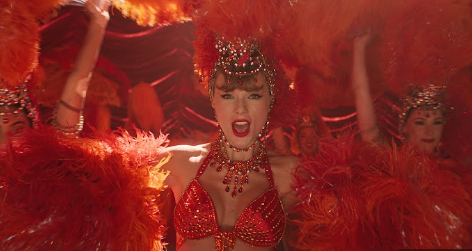 7 Inspiring Examples of Viral Music Videos for ArtistsDiscover 7 exciting examples of viral music videos and learn practical tips to boost your YouTube engagement as an independent musician or emerging artist.
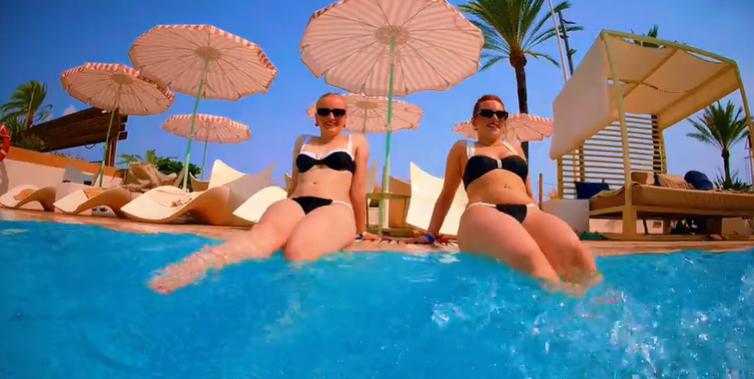 Girls on Film Mallorca EditThe Music Video Marketplace team headed to Mallorca to film new EDM-inspired videos with models Avah Huppe and Krysten-Rose Armstrong. The trip mixed creativity, teamwork, and sunshine — and the new videos are now live on www.musicvideomarketplace.com
.
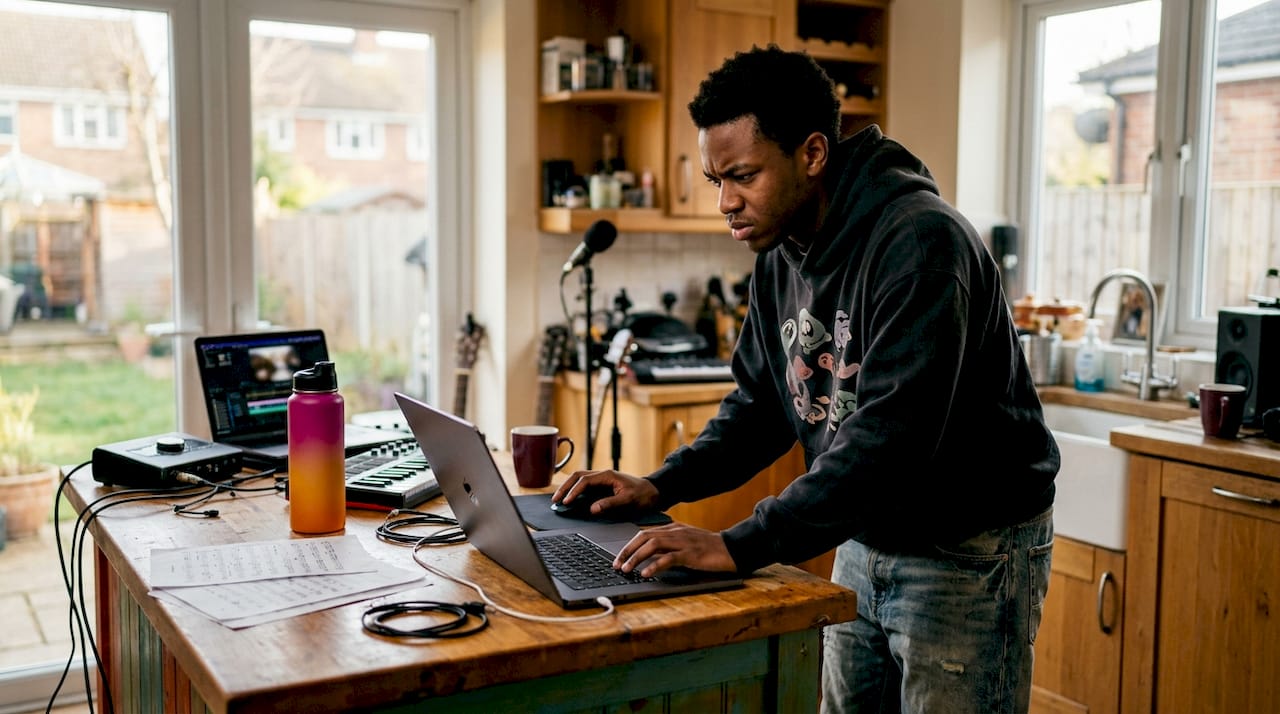 How to add visual effects to song videosDiscover how to add visual effects to song videos using industry-standard tools. Enhance viewer engagement and elevate your music visuals.
 Common challenges in label video production: 2026 guideDiscover the common challenges in label video production and learn effective strategies to overcome obstacles for timely, budget-friendly projects.
Turn the idea into a finished music video.
Drop your track into the Studio and build your visual in minutes.