
 Try the Studio
Music Video File Naming: A Practical Guide for Artists
How to name music video files for Vevo, YouTube and distributors: a clear format, version tags, folder structure and mistakes to avoid, with examples.

Music Video File Naming: A Practical Guide for Artists
Name your music video file with the artist, the title and the version, joined by underscores, with no spaces and no special characters: ArtistName_VideoTitle_Version.mov. That is the pattern a major distributor asks for when delivering to Vevo, and it works just as well for YouTube, label hand-offs and your own archive. The rest of this guide shows how to apply it, how to tag different edits, how to organise folders, and what to avoid.
TL;DR
- Use
ArtistName_VideoTitle_Version.ext, with underscores instead of spaces and only English letters and numbers. - Leave out spaces, accents and symbols such as ! # , @ $ % ? and quotation marks. Distributors can reject files that include them.
- Mark every edit in the name (V1, V2, Clean, Lyric) and never call a file “final”.
- Make the artist name, title spelling and ISRC match your audio release exactly.
- Keep one clean master per version, plus a short manifest, so nobody sends the wrong file.
Table of Contents
- What a music video file name should do
- The safe format, step by step
- Examples you can copy
- Versions and edits: how to tell them apart
- Match your file to your audio release
- Delivery to labels and aggregators with identifiers
- Do you need a special name for YouTube?
- Organising folders so nothing gets mixed up
- Common mistakes
- Perspective: why a good name starts with a good video
- Get a video ready to name
- A naming routine you can repeat for every release
- FAQ
- Sources
What a music video file name should do
A file name is the first piece of information anyone sees. A label’s content team, a distributor’s ingestion system and your own editor all read it before they open the file. It has to answer three questions without opening anything: whose video is this, which video is it, and which version is it?
Symphonic Distribution’s Music Video Distribution Checklist puts it in those terms: artist name, video title and version, in the form Artistname_VideoTitle_Version.mov. It also warns that correct labelling is essential to avoid delays in Vevo distribution.
That gives you the core of a good name:
- Artist: the name as it appears on your audio release.
- Title: the song or video title, spelled exactly as on the audio release.
- Version: the edit, cut or revision number.
Everything else (date, resolution, platform) is optional and depends on who receives the file.
The safe format, step by step
Step 1: Remove spaces and replace them with underscores
Spaces cause trouble in upload tools, scripts and some servers. The Symphonic checklist says no spaces or special characters are allowed in the file name for Vevo delivery, and the same applies to the thumbnails: Identity Music’s Vevo specifications state that nothing like a space, colon, exclamation mark, hash, comma, @, $, %, question mark, quotation mark, apostrophe, ampersand or asterisk should appear before the file extension.
So “Luna Waves – Don’t Stop!” becomes LunaWaves_DontStop.
Step 2: Stick to English letters and numbers
Symphonic’s checklist allows only English letters and numbers in the file name, with no accent marks or unusual characters. If your title contains an accented letter, such as the é in “Café”, write the plain letter instead: Cafe. Do this in the file name only. The title you enter in the metadata form can still carry the correct spelling if the platform allows it.
Step 3: Add the version
The version is what saves you in week three, when there are five exports on the desktop. Use a short, consistent tag:
V1,V2,V3for numbered revisionsCleanorExplicitfor lyric-content editsLyricfor lyric videosShortorVerticalfor social cuts
Step 4: Add the extension that the recipient asks for
Vevo delivery via the checklist uses .mov. For YouTube, MP4 with the H.264 video codec and AAC audio is widely described as the safest choice, though YouTube accepts many formats including MOV, AVI and WebM. The name stays the same, only the extension changes.
Examples you can copy
| Purpose | File name |
|---|---|
| Delivery to a distributor for Vevo | LunaWaves_NeonRiver_V1.mov |
| Clean edit of the same video | LunaWaves_NeonRiver_Clean_V1.mov |
| Lyric video | LunaWaves_NeonRiver_Lyric_V1.mov |
| Revised master after a client note | LunaWaves_NeonRiver_V2.mov |
| Vertical clip for social | LunaWaves_NeonRiver_Vertical_V1.mp4 |
| Thumbnail | LunaWaves_NeonRiver_Thumb.jpg |
These are illustrative names, not a standard every platform enforces. The principle is what matters: the same order of elements every time, so files sort together and read at a glance.
Versions and edits: how to tell them apart
Most releases end up with several cuts: the main video, a clean edit, a lyric version, a teaser. Put the edit type before the version number and keep both in the same position on every file.
Video post-production software maker Avid, in its file naming best practices, gives several rules that apply directly:
- Avoid special characters and use underscores or dashes rather than spaces.
- Keep names short enough to read in a narrow column of an editing app, bearing in mind that some operating systems limit names to 255 characters.
- Write dates as year, month, day so they sort correctly.
- Use leading zeros in numbered clips (01, 02 rather than 1, 2).
- Do not use “final” for exports.
- Add a status word such as DELIVERED when sending a version to a client, and keep the version number of your timeline in step with the exports.
The “final” rule is worth taking seriously. Final, FinalFinal and Final_v3_REAL are the classic trap. Once a video has been through a label, a manager and an artist, “final” stops meaning anything. A version number always does.
Avid also notes that original camera files with meaningful identifiers should not be renamed. Rename your exports and deliverables, and leave the raw footage alone so your editor can always relink it.
Dates: when to include them
A date helps if you are producing many assets over months. Put it in year-month-day order, for example LunaWaves_NeonRiver_V2_20260315.mov. For a single music video with a few versions, the version number alone is usually enough, and shorter names are easier to read.
Match your file to your audio release
A tidy file name only helps if the information matches the release it belongs to. Engine Ears’ guide to distributing your music video says that video metadata must match the audio release on streaming platforms exactly, covering artist name, title spelling and ISRC, and that mismatches are the most common reason a video fails to link to its audio release.
A short checklist before you name anything:
- Copy the artist name from your distributor dashboard, character for character.
- Copy the track title the same way, including any “feat.” or remix tag, then strip the special characters for the file name only.
- Keep the ISRC in your metadata form or manifest. Your file name does not need to carry it unless the recipient asks.
If your name differs between releases (for example “DJ Kite” on one and “Kite” on another), fix that first. No naming convention can compensate for inconsistent artist data.
Delivery to labels and aggregators with identifiers
Some large-scale delivery systems expect identifiers in the file name rather than the artist and title. The industry metadata standard DDEX recommends, in its starter guide, a pattern of ReleaseId_TechnicalResourceId_ResourceType_Hierarchy.Ext. It says the release identifier is preferably a GRid, UPC, EAN or JAN, and that each delivery should sit in a directory named with the unique album identifier.
You will rarely need this as an independent artist, because your distributor handles the packaging. If you work with a label or a delivery platform that uses these standards, follow their instructions over any general rule. When in doubt, ask for their naming guide before you export.
Do you need a special name for YouTube?
YouTube does not publish a naming rule for uploads in the way a Vevo delivery checklist does. What it requires is a supported format. Viewers never see the file name. They see the title, thumbnail and description you enter during upload.
Still, renaming before upload is a sensible habit. One YouTube guide for rappers, itshiphopmusic’s YouTube SEO article, suggests changing a name like final_v3.mp4 to something like Artist-Name-Song-Title-Official-Music-Video.mp4 and saving the thumbnail under the video title before you upload. Two practical reasons support it, whatever its effect on search:
- Your own upload history and downloads stay recognisable.
- If you later hand the file to someone else, it already identifies itself.
For YouTube-only uploads, hyphens between words are fine and more readable than underscores. For a distributor delivery, use the stricter underscore format. If you do both, keep two copies with their own names rather than compromising on one.
Organising folders so nothing gets mixed up
Names work best inside a predictable structure. A simple layout per release:
LunaWaves_NeonRiver/
  01_Audio/
  02_Masters/
  03_Social_Cuts/
  04_Thumbnails/
  05_Docs/
Put only approved exports in 02_Masters, each with a version tag. Keep working project files elsewhere. When a new version is approved, add it; do not overwrite the old one.
A manifest for the whole release
If several people touch the release, a manifest removes guesswork. One production guide suggests a delivery manifest listing files with checksums and durations, audio details and loudness targets, credits, rights statement and caption files with language codes. A creator workflow guide goes further and treats a single JSON or YAML file as the single source of truth for fields such as title, artists, release date, version, ISRC and UPC. For a solo artist, a plain text file in 05_Docs with the title, artist, ISRC, release date and a line per file is enough.

If you also keep a media library at home
Personal media servers have their own rules. Plex’s support page on local artist and music videos says to use the structure Music/Artist_Name/Album_Name/Track_Filename - Descriptive_Name-Video_Type.ext. The video file must start with the exact filename of the matching track and sit in the same folder. The video types it lists are -behindthescenes, -concert, -interview, -live, -lyrics and -video, and if you leave the type out, it defaults to -video. That is a library convention for playback, separate from the delivery format above, so keep your delivery masters and your library copies apart.
Common mistakes
- Using “final” in a name. Replace it with a version number.
- Spaces and brackets copied from a title. Strip them. “Song (Remix)” becomes
Song_Remix. - Accents and symbols. Use plain English letters and numbers for distributor deliveries.
- Different spellings of the artist name. Match the audio release exactly.
- Overwriting versions. Increase the number with each approved change.
- Renaming raw camera files. Rename deliverables only.
- Very long names. Aim for something that fits readably in a file list.
- Unclear edits. If it is the clean edit, the name should say so.
Perspective: why a good name starts with a good video
We see the same pattern whenever musicians release a video: the file is named in a rush, the edit is rebuilt twice, and the version that reaches the platform is not the one anyone meant to send. Naming discipline is a release skill, and it is much easier when the video itself is ready to use.
That is why we built Musicvideomarketplace around ready-to-edit, full-length videos. Every video is made by professional filmmakers specifically for music, never with AI or generic stock footage. You add your audio and branding, customise, and export a YouTube-ready file without organising a custom shoot.
Because you start from one finished master and create short clips from it, your naming has a clear spine: one master, a handful of labelled cuts. Name the master first, then every clip follows the same pattern.
Music
Get a video ready to name
If you do not yet have a video to name, we can help you reach one quickly. Musicvideomarketplace lets you browse human-made music videos, add your audio and branding, export a YouTube-ready video and generate short social clips. Membership costs £19.99 per month, and recurring extra videos are £9.99 per month per video, as set out on our pricing page.
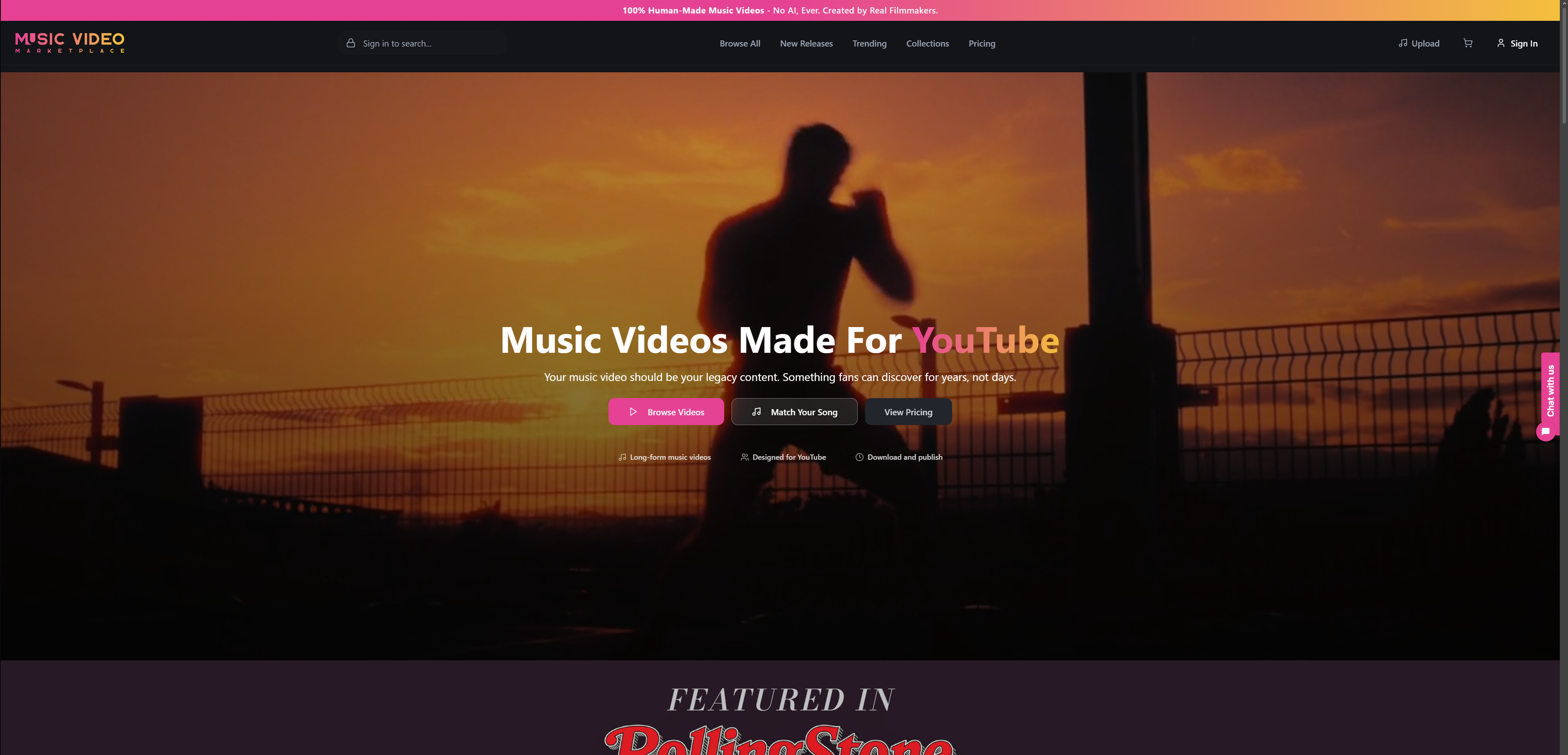
You can see how licensing works on our music video licensing page, or start from the marketplace home page and browse by mood and style.
A naming routine you can repeat for every release
- Copy the exact artist name, title and ISRC from your distributor dashboard.
- Create the release folder using
ArtistName_Title. - Export the master as
ArtistName_Title_V1.mov(or the extension your recipient asks for). - Export each edit with its tag:
_Clean,_Lyric,_Vertical. - When a change is approved, save a new version number. Never overwrite.
- Save the thumbnail with the same base name.
- Write the manifest, then check that every file matches it.
- Before you send, check the recipient’s own spec page for any difference from this pattern, and follow theirs.
FAQ
What should a music video file name include?
At a minimum, the artist name, the video title and the version, in that order, for example ArtistName_VideoTitle_V1.mov. This is the structure Symphonic’s Vevo delivery checklist uses. Add an edit tag such as Clean or Lyric when you have more than one cut.
Can I use spaces or symbols in the file name?
For distributor and Vevo delivery, no. The delivery checklists specify no spaces and no special characters such as ! # @ $ % ? or quotation marks. Use underscores between words and plain English letters and numbers.
Does the file name matter for YouTube uploads?
YouTube asks for a supported file format rather than a particular name. Viewers see your title and thumbnail, not the file name. Renaming the file clearly before upload still keeps your own library organised and avoids sending something called final_v3 to a collaborator.
How do I label different edits of the same video?
Put the edit type and the version number in the same place on every file, such as ArtistName_Title_Clean_V2.mov. Increase the number for each approved revision and avoid the word “final”.
What is the best way to organise music video files?
Give each release its own folder with separate subfolders for audio, masters, social cuts, thumbnails and documents. Keep only approved exports in the masters folder, and add a short manifest listing every file and the release’s ISRC.
Sources
- Music Video Distribution Checklist, Symphonic Help Desk
- Vevo Video & Thumbnail Specifications, Identity Music
- How to Distribute Your Music Video, Engine Ears
- DDEX Release Notification Standard Starter Guide, MusicBiz
- Video File Naming Best Practices, Avid
- Adding Local Artist and Music Videos, Plex Support
- YouTube SEO for Rappers, itshiphopmusic
- Best Video Format for YouTube in 2026, Levitate Media
Recommended
Read next
 6 Essential Music Video Ideas Checklist for MusiciansExplore a practical music video ideas checklist designed for musicians. Discover 6 actionable tips to create engaging YouTube videos and boost your campaigns.
 Music Video Production Guide for Musicians on YouTubeDiscover a step-by-step music video production guide for artists. Learn to prepare, create, edit, and launch engaging videos for YouTube and campaigns.
 Music Video Production Workflow for YouTube SuccessFollow this music video production workflow to efficiently create, edit, publish, and promote your long-form music video on YouTube for maximum impact.
 Music Video Deliverables: What to Hand Over and WhereA practical checklist of music video deliverables: master file, social cutdowns, specs, rights paperwork and metadata, for UK artists, labels and managers.
Turn the idea into a finished music video.
Drop your track into the Studio and build your visual in minutes.