
Music Video Without Filming: How to Release One in 2026
Release a full-length music video without a shoot: choose human-made footage, add your audio and branding, clear the rights and export for YouTube.

Music Video Without Filming: How to Release One in 2026
You can release a proper, full-length music video without a camera, a crew or a shoot day. The quickest route is to start from a ready-made video produced by professional filmmakers specifically for music, add your own track and branding, and export a YouTube-ready file. That is what we built Music Video Marketplace to do, and this guide walks through the whole process, including the rights checks that UK artists, labels and managers need to get right before anything goes live.
MusicvideomarketplaceCreate a Full-Length Video Without FilmingMusicvideomarketplace helps musicians create a long-form video in minutes to upload to YouTube and create an ad campaign for their song.VisitTL;DR
- A no-shoot music video means building the visuals from existing, properly licensed footage instead of filming new material. The result can still be long-form and release-ready.
- Choose footage by the feeling the song needs, then cut to the track’s structure: the chorus, the build, the drop.
- You must own or have cleared the rights to every element: the sound recording, the composition, the lyrics and the visuals. Importing a file into an editor does not give you permission to publish it.
- Monetised YouTube content needs commercial-use rights for all audio and visual elements, so check the licence before you upload.
- Our membership is £19.99 per month, with extra videos at £9.99 per month per video, and covers the route from catalogue to export.
Table of Contents
- Why more artists are skipping the shoot
- Three ways to make a video without filming
- How to make a music video without filming, step by step
- The rights checklist before you publish
- A worked example: a single release in one afternoon
- What this means for labels, managers, DJs and distributors
- Get a no-shoot video on your next release
- Our view: the song deserves a real film
- FAQ
- Sources
Why more artists are skipping the shoot
A shoot costs money before you know whether a song will connect: locations, kit, a director, an editor, and weeks of scheduling. For a catalogue of singles, or a label with ten releases a quarter, that arithmetic stops working. Artists still want a video on YouTube because a long-form upload gives a track a permanent home that can be found, shared and advertised against.
The no-shoot approach removes the production risk. You decide on the look, drop in the song and publish. The same logic applies to managers handling several acts, to DJs releasing edits and mixes, to producers putting out beats, and to distributors who want a visual asset to go with each delivery.
Three ways to make a video without filming
It helps to know the options by type, because they produce very different results.
Ready-made, human-made videos. Footage shot and directed by filmmakers specifically for music, finished as a full-length video that you customise with your audio and branding. This is the route we take: every video in our catalogue is originally produced by professional filmmakers for music, never created with AI or generic stock footage. The visuals have a narrative and a rhythm built in, so you are not assembling them from scratch.

Assembling stock clips yourself. You license individual clips from a library, place the song on an editing timeline and cut the clips to it. It is workable, but the time goes on searching, trimming, matching clips and tracking the licence for each one. We compare this route with commissioning a video in more detail in stock footage vs custom video for your release.
Generated or templated visuals. Apps and generators produce animated backgrounds, audio visualisers or automated visuals. They are quick, though the output tends to look like everyone else’s. If you want to see how our approach differs, see our page on editing apps and templates.
For an artist who wants a video that feels made for the song, with the least time between finishing the master and publishing, the ready-made route is the first one to try.
How to make a music video without filming, step by step
1. Settle the rights to your audio first
Before you pick a single visual, be sure you can legally publish the track. This takes ten minutes and saves a takedown later. The Musicians’ Union advises that artists must own or have rights to the video, sound recording, music and lyrics before uploading content, and recommends putting agreements with group members and other participants in writing.
If your song includes a sample, a featured vocalist or a co-writer, confirm their share and permission now. Where the track is entirely yours, you are clear on that side and can move on. Our guide to sync and master rights explains in plain terms what each right covers and who holds it.
2. Define the feeling, not the subject
The common mistake is searching for visuals that illustrate the lyric word for word. Literal videos tend to feel flat. A better brief starts from emotion: write down three words for how the video should feel, such as warm, restless, nocturnal, and judge every candidate against them. Footage-library guidance makes the same point: search by feeling and emotion rather than subject is a useful discipline for any visual-led project.
Also note the tempo and structure of the song. A fast, driving track suits quick cuts and strong colour. A slow, intimate track suits longer holds, close framing and space. Know where the chorus lands, where the song builds and where it drops away, because the video should move with those points.
3. Choose a video that matches the song
Browse the catalogue on our licensing page with your three words in mind. Look at how a video opens, how it handles a slow section and whether the mood stays consistent across the full length. You are choosing a film, not a clip, so watch it through against your own track playing alongside.
A few practical filters help:
- Genre fit. Does the visual energy match the genre and its audience?
- Artist image. Would this sit comfortably next to your artwork, your socials and your other releases?
- Length. Is it a full-length video, so it covers the whole song without looping awkwardly?
- Longevity. Will it still feel right in a year, when the single is in your back catalogue?
4. Add your audio and branding
This is where a ready-made video becomes yours. In our workflow you upload your audio and your branding, customise the video, and export. Branding means your artist name, logo and title treatment, so the video reads as your release from the first frame. If you want to add lyrics or on-screen titles, typeface choice matters more than most people expect, and our guide to music video fonts covers how to choose, animate and licence them.
Check that the first five seconds show the artist and song title clearly. Viewers decide quickly whether to stay, and a clear opening also helps anyone who lands on the video from a recommendation.
5. Review the pacing against the track
Play the finished cut with the sound up and ask whether the energy of the picture follows the energy of the song. YouTube’s own guidance on editing advises editing for pacing, using fast cuts to build intensity and slower holds for reflection. If your song has a quiet verse and a big final chorus, the picture should do the same.
Watch for three things: the visuals peaking too early, any section where the picture feels disconnected from the vocal, and the ending, which should resolve with the music rather than stop abruptly.
6. Export for YouTube
Export the video in a YouTube-ready format for the long-form upload. Then write the title and description with the artist name and song title near the front, add credits for everyone who contributed, and choose a thumbnail that is readable on a phone screen.
If you plan to monetise, read the next section before you press publish.
7. Cut shorts and launch a campaign
A full video is only the start. From the same video you can generate short social clips for the hook or the chorus, and launch an ad campaign for the song. Planning that at the start lets you choose a video with a strong hook moment you can lift into a 15 to 30 second clip. After release, YouTube Analytics shows audience retention, meaning where viewers drop off. That tells you which moments to feature in your next clip and where to point your advertising.
The rights checklist before you publish
This is the part that decides whether the video stays online. Work through it for every release.
The audio. An editor will happily import any audio file, but that is a technical capability, not permission to publish. You need the right to use the recording and the composition for the intended release. If the track is yours, with no uncleared samples, you are fine. If a collaborator owns part of it, get their consent in writing.
The visuals. Whatever footage you use, you need a licence that covers the way you will use it: a YouTube release, short clips on social media and, if you plan one, paid advertising. A one-off video licence is the clean way to do this, which is why we sell music videos as licences. Our music video licensing page is the place to see what is on offer.
Monetisation. YouTube states that content you monetise must be original and non-repetitious, and that monetised content needs commercial-use rights for all audio and visual elements. YouTube also recognises original music videos as a type of creator content that can be eligible, subject to its channel monetisation policies. A properly licensed video with your own original track fits that description.
Collecting societies and advertising. In the UK, PRS for Music administers performing rights for writers and publishers, and PPL handles recordings. PRS says its YouTube licence covers music videos and lyric videos, but that coverage depends on the writer’s publisher and rights arrangements, and that some uses involving advertising or sponsorship are excluded. That last point matters if you are going to put ad spend behind the video, so check your arrangements before you start a campaign. We explain who covers what in PRS vs PPL for music videos.
Third-party clips. If you ever mix in anything not supplied under your licence, such as fan footage or archive clips, the guidance from distributors is to get permission from the creator, use properly licensed material or obtain contributor releases, as set out in RouteNote’s guide to clip-based videos. Keeping to a single licensed source avoids most of this.
A worked example: a single release in one afternoon
Say you are an independent artist with a finished indie-pop single at 118 BPM, a mid-tempo track with a lifted chorus. You write three words for the feeling: warm, wistful, open. You browse the catalogue, shortlist three full-length videos and play each against the song. The one that opens slowly, builds colour into the chorus and settles again in the outro wins.
You upload the master and your logo, set the title treatment, review the pacing and export. You have the sound recording and composition cleared because you wrote and produced it alone. You publish to YouTube, cut a short clip around the chorus for social and keep the hook moment in mind for an ad.
Nothing here needed a location, a booking or a crew. The only real decisions were creative ones, which is where your time should go.
What this means for labels, managers, DJs and distributors
Labels can give every release in a schedule its own visual without a production line per single. A consistent standard of human-made, music-specific footage also makes a roster look coherent.
Artist managers juggling several acts need speed and predictability. A catalogue approach lets you match a video to each artist’s image and release it in the same week as the master is approved.
DJs and producers often release edits, remixes and tracks with a short window of relevance. Getting a full-length video up quickly, plus short clips for promotion, helps a release arrive while attention is there. If you are exploring how video can earn for you after release, see our overview of seven UK income routes for music videos.
Distributors can add a long-form visual to a delivery without commissioning anything, which gives the artist a stronger launch.
If Spotify is part of the plan, a looping visual for the platform is a different format from a long-form upload, and our Spotify Canvas and lyric video guide covers the specs.
Get a no-shoot video on your next release
Our membership is £19.99 per month, and extra videos can be added at £9.99 per month per video. You choose from videos made by professional filmmakers specifically for music, add your audio and branding, export a YouTube-ready video, create short social clips and launch an ad campaign for your song. There is no custom shoot to book, which is why a release can move from finished master to published video quickly.
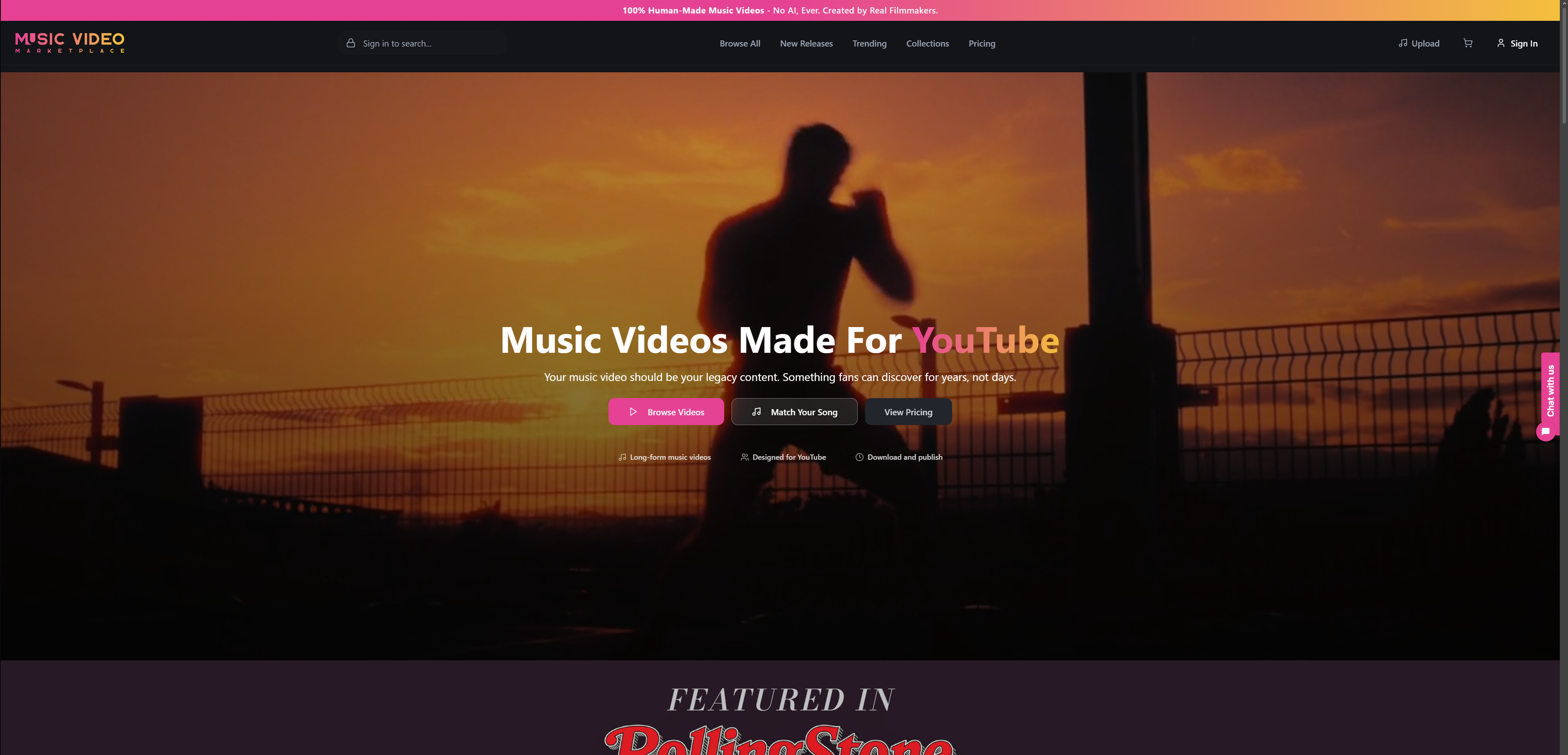
Browse the full catalogue and licence terms on our music videos page, or start from the Music Video Marketplace home page.
Our view: the song deserves a real film
We started Music Video Marketplace because we kept seeing the same trade-off: either spend thousands on a shoot, or settle for visuals that look like they could belong to any song.
Our answer is to put human craft at the front. Every video in our catalogue is originally produced by professional filmmakers specifically for music, never created with AI or generic stock footage. That matters because a music video is a piece of storytelling that follows a song’s structure, and people who make films for music understand where a chorus should open the frame up and where a verse should hold still.
The second half of our answer is speed. Customisation and a fast release are the point: you bring your audio and branding, and you get a long-form video for YouTube in minutes, with short clips and an ad campaign to follow. That frees you to spend your effort on the music and the release plan rather than on logistics.
The best no-shoot video is not a compromise. It is a well-made film that fits your track, licensed properly and published on your schedule.
Music
FAQ
Can I make a music video without filming anything myself?
Yes. You can license a ready-made video produced by professional filmmakers for music, add your own audio and branding, and export it for YouTube. You do not need a camera, a location or an editor. You do still need to hold the rights to your own track.
Is a no-shoot music video good enough for YouTube?
Yes, as long as the video is full-length, matches the feel of the song and is licensed for the way you use it. YouTube recognises original music videos as content that can be eligible for monetisation, subject to its channel policies and to you holding commercial-use rights for the audio and visuals.
Do I need permission to use my own song in a video?
If you own the recording and the composition outright, you are in a strong position. If anyone else contributed, such as a co-writer, a featured artist or a sample source, get their agreement in writing first. The Musicians’ Union advises having agreements in writing with group members and other participants.
Can I run adverts behind a no-shoot music video?
Yes, and it is part of how we describe the service: you can launch an ad campaign for your song. Before you spend, check your publishing and licensing arrangements, because PRS for Music notes that some advertising and sponsorship uses fall outside its YouTube licence.
How much does it cost?
Our membership is £19.99 per month, and extra videos are £9.99 per month per video. Full details are on our pricing page.
Sources
- Musicians’ Union: Releasing product, music distribution and promotion
- YouTube Help: Video editing tips
- YouTube Help: What kind of content can I monetise?
- PRS for Music: What rights are covered by the YouTube licence?
- RouteNote Licensing: How to make clip-based videos
- Uppbeat: How to pair stock video with music
Recommended
Read next
 Why Musicians Need Video Content for GrowthDiscover why video content is essential for musicians: key types, promotional impact on YouTube, and common pitfalls in digital marketing strategy.
 Optimise your YouTube music distribution workflowMaster YouTube music distribution with this step-by-step workflow guide. Learn how independent artists optimise uploads, Content ID, and promotion for maximum reach and revenue in 2026.
 Promote your music online: essentials for indie artistsDiscover proven strategies to promote your music online in 2026. A step-by-step guide for independent artists covering streaming, social media, playlists, and ads.
 Music Video Template Licenses: 8 Clauses Musicians Must CheckCheck 8 license clauses before using a music video template, separate visual rights from song clearance, and learn when ads or broadcast need more.
Turn the idea into a finished music video.
Drop your track into the Studio and build your visual in minutes.